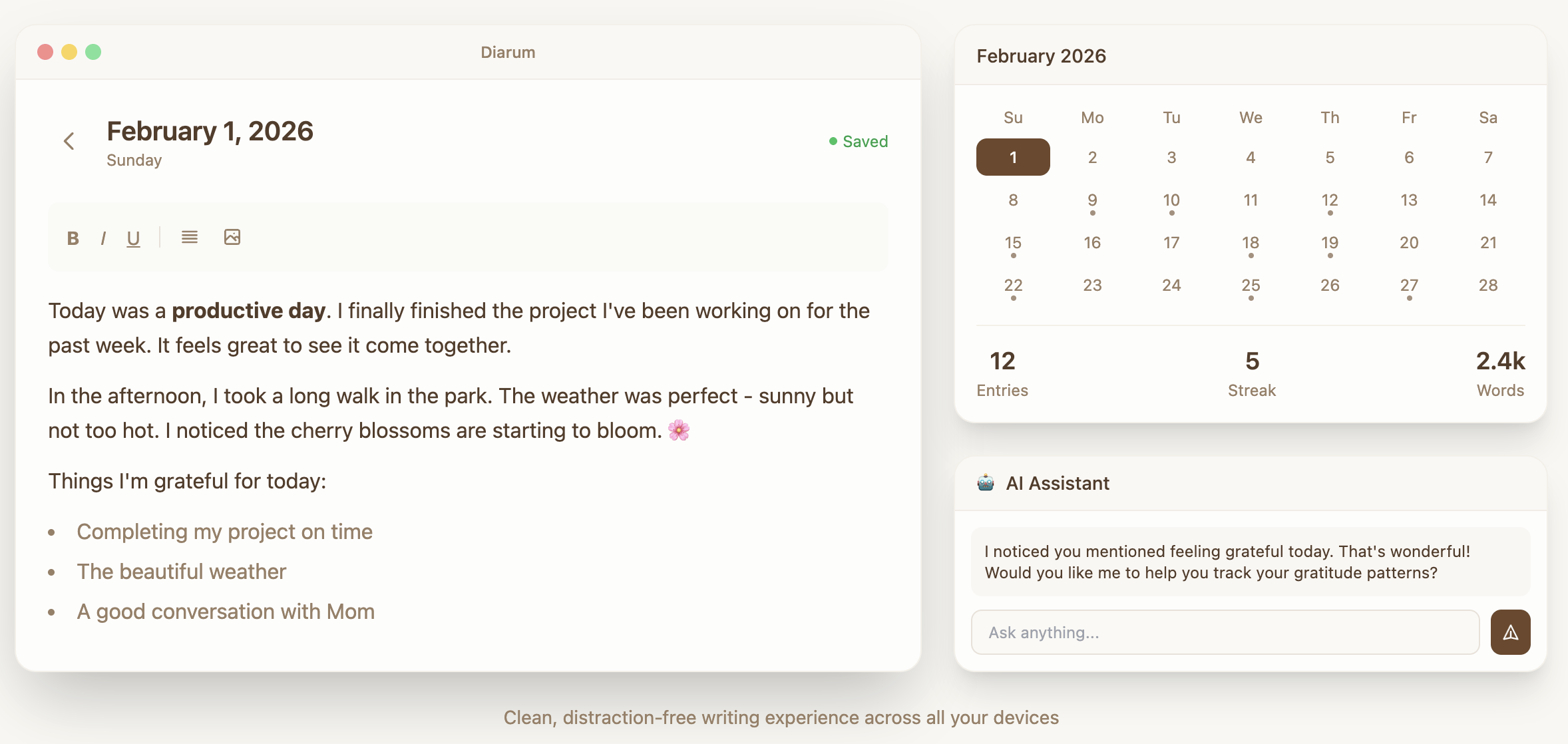
零负担,软件使用非常简单,登陆后打开首页即跳转到今日日记。快记录,打开立刻开始记录,自动保存。怡复盘,可以愉快的完成复盘、总结分析。轻松实现现代化 AI 加持的“吾日三省吾身”。
截图
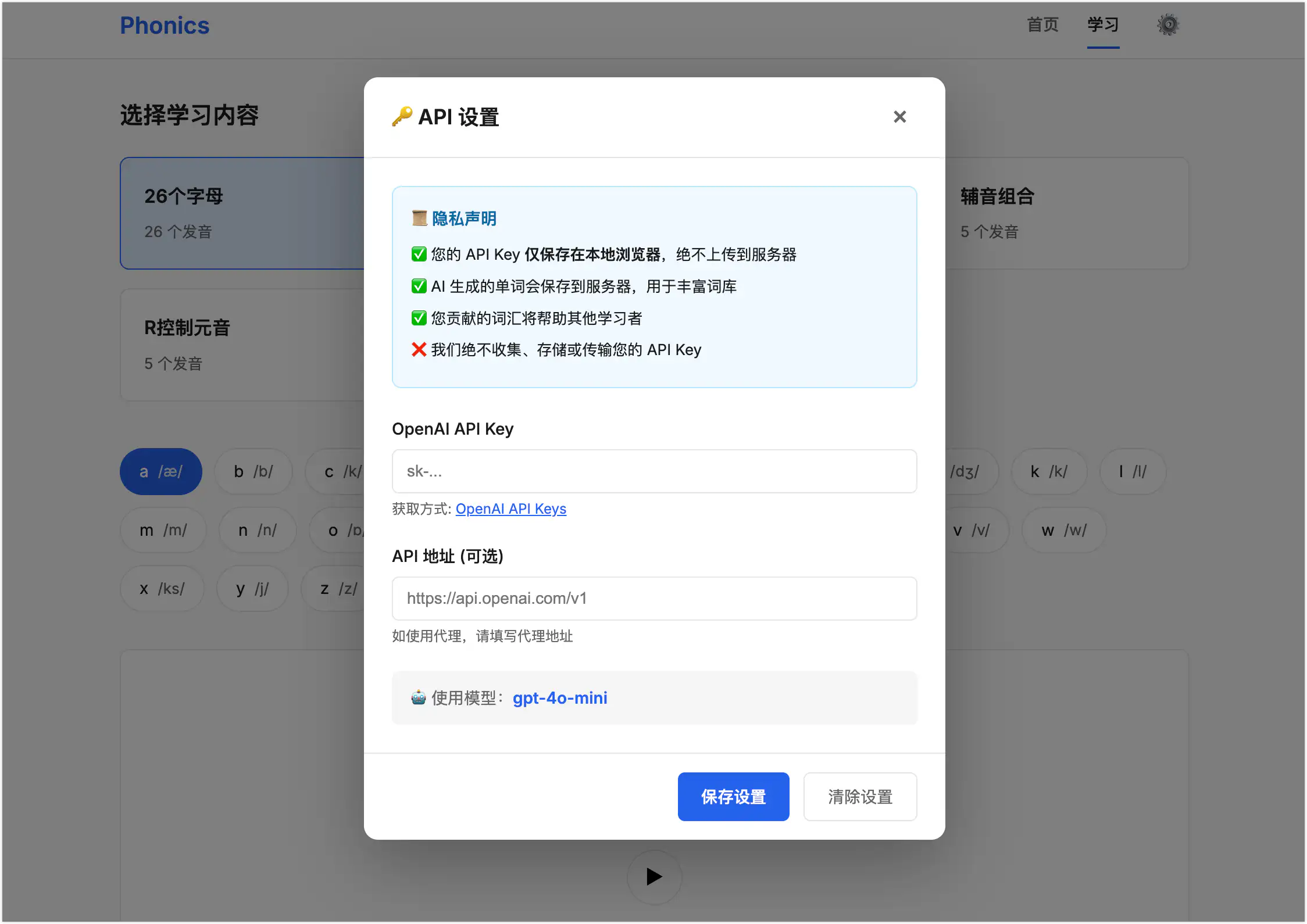
配置 AI Key 之后自动触发日记向量化,后续可以跟 AI LLM 结合日记开展对话 。自然快速地完成:
今日复盘
周报生成
年终总结
等等
特色
基于 PocketBase 和现代 Web 技术构建,简洁、优雅、可自托管。
📝 富文本支持 – 使用富文本并兼容 Markdown 格式记录每日想法
🖼️ 媒体上传 – 为日记条目添加图片和文件
🔒 自托管 – 完全掌控你的个人数据
🚀 易于部署 – 单一二进制文件,内嵌前端,随处部署
💾 PocketBase 后端 – 可靠的数据库和内置管理面板
初衷
开发这款软件的初衷源自自己对日记的需求。现在市面上已经有很多优秀的日记和笔记软件。但都多少有点无法满足自己的需求。我期望的一个日记软件,是打开后立刻可以开始记录,不需要纠结文件名、标题、目录结构。最好是网页的,这样在各种设备都可以使用。我自己的设备涉及 MacBook 、HarmonyOS NEXT 、Android 、Arch Linux 、Windows 。只有网页应用能够很好的快速兼容这些平台。最好是可以很方便的自托管的,确保我自己对数据的掌控,且方便搬家。
在核心功能的基础上,集成了一个简单的 RAG 系统,配置好 AI KEY 和 MODEL 之后,会自动触发向量数据库的构建。这样一来跟内置的 AI 助手对话时,就可以将向量匹配到的日记放入上下文,方便的进行分析总结等。此外还提供了一个简单的 API 系统,可以方便的将日记数据对接到 n8n 这样的平台,实现自动化的周报、月报生成等灵活的工作流。
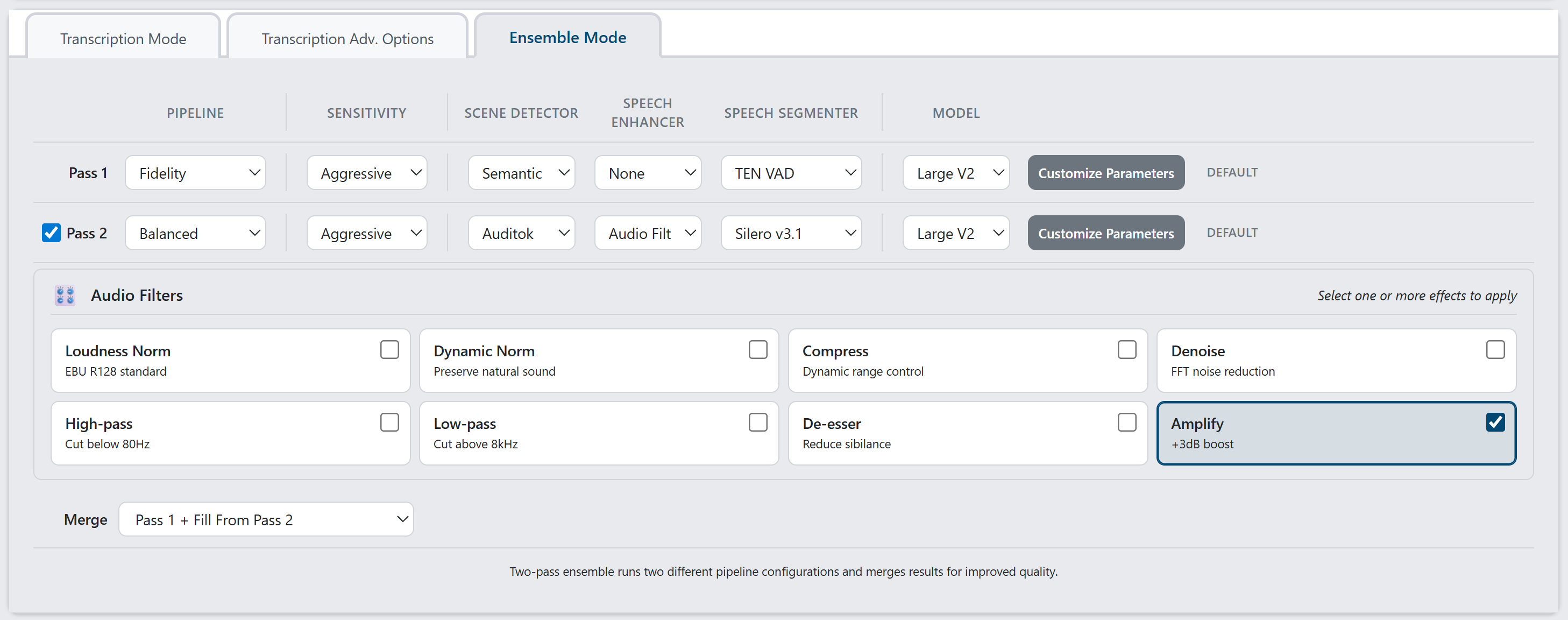
这样就可以在不重新下载 PyTorch(约 2.5GB)或 AI 模型(约 3GB)的情况下更新 WhisperJAV。
从源代码安装
需要 Python 3.9-3.12、FFmpeg 和 Git。
推荐:使用安装脚本(自动处理依赖冲突,自动检测 GPU):视窗
git clone https://github.com/meizhong986/whisperjav.git
cd whisperjav
installer\install_windows.bat              # Auto-detects GPU and CUDA version
installer\install_windows.bat --cpu-only   # Force CPU only
installer\install_windows.bat --cuda118    # Force CUDA 11.8
installer\install_windows.bat --cuda124    # Force CUDA 12.4
installer\install_windows.bat --minimal    # Minimal install (no speech enhancement)
installer\install_windows.bat --dev        # Development/editable install
脚本会自动执行以下操作:
检测您的 NVIDIA GPU 并选择最佳 CUDA 版本
如果未找到 GPU,则回退到仅使用 CPU。
检查 WebView2 运行时(GUI 需要)
安装日志install_log_windows.txt
下载失败后最多重试 3 次
Linux / macOS
# Install system dependencies first (Linux only)
# Debian/Ubuntu:
sudo apt-get install -y python3-dev build-essential ffmpeg libsndfile1

# Fedora/RHEL:
sudo dnf install python3-devel gcc ffmpeg libsndfile

git clone https://github.com/meizhong986/whisperjav.git
cd whisperjav
chmod +x installer/install_linux.sh
./installer/install_linux.sh               # Auto-detects GPU
./installer/install_linux.sh --cpu-only    # Force CPU only
./installer/install_linux.sh --minimal     # Minimal install
跨平台 Python 脚本
git clone https://github.com/meizhong986/whisperjav.git
cd whisperjav
python install.py              # Auto-detects GPU, defaults to CUDA 12.1
python install.py --cpu-only   # CPU only
python install.py --cuda118    # CUDA 11.8
python install.py --cuda121    # CUDA 12.1
python install.py --cuda124    # CUDA 12.4
python install.py --minimal    # Minimal install (no speech enhancement)
python install.py --dev        # Development/editable install
另一种方法:手动使用 pip 安装(可能会遇到依赖冲突):
# Install PyTorch with GPU support first (NVIDIA example)
pip install torch torchaudio --index-url https://download.pytorch.org/whl/cu124

# Then install WhisperJAV
pip install git+https://github.com/meizhong986/whisperjav.git@main
平台说明:
Apple Silicon(M1/M2/M3/M4):仅pip install torch torchaudio支持 MPS 加速,自动运行。